Preview Release
The school newsletter for busy schools and families
Easy to write, easy to send, and nothing to install. Ocarino creates a beautiful newsletter designed to be read on a phone with dates that drop straight into your calendar.
For Schools
Write. Review. Share.
Everything the office needs to send a newsletter, and nothing it doesn’t.
Simple to Write
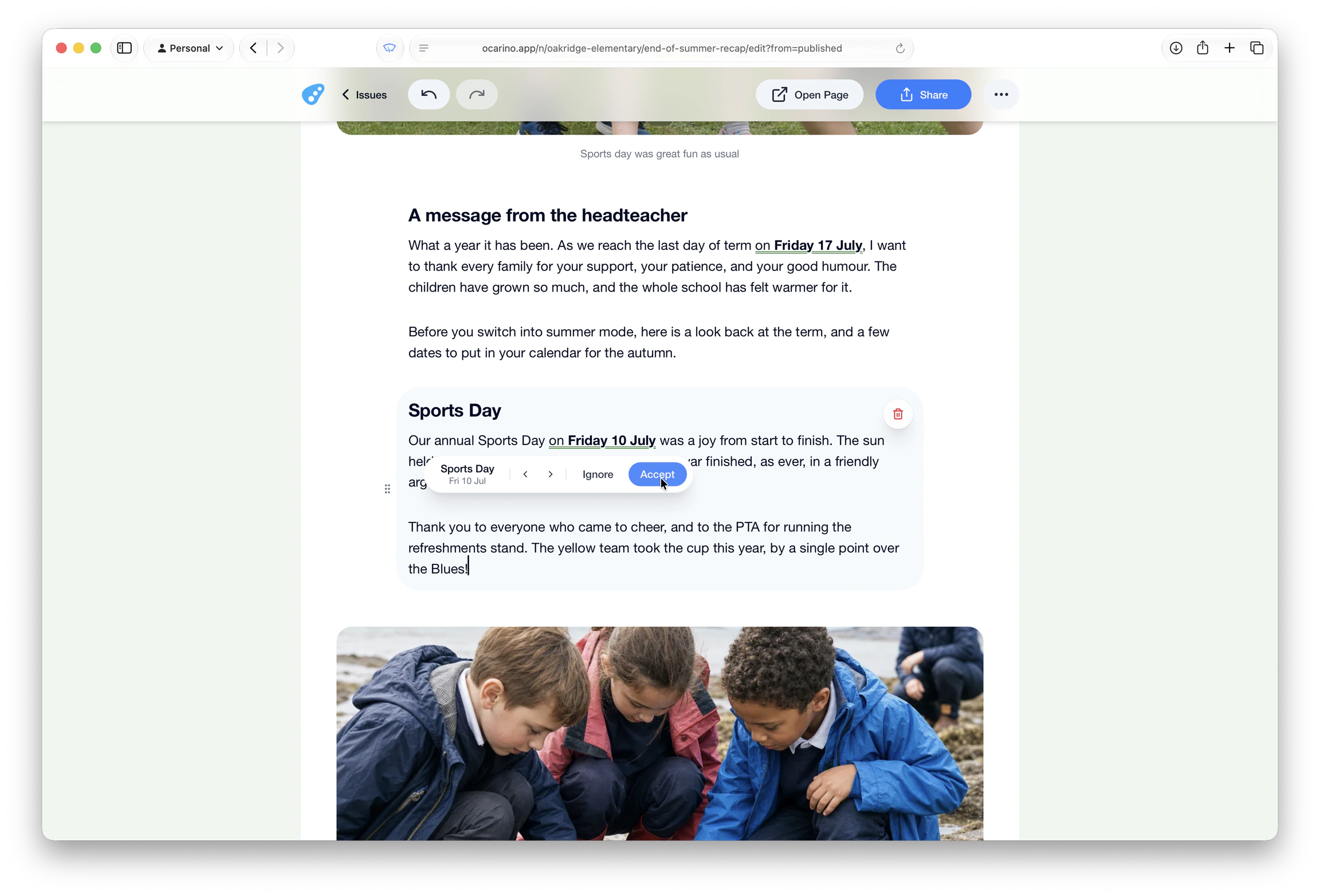
Add text, photos, links and video the way you would in an email. Set your logo and colour once, and every issue arrives looking like it's from your school.
Every Date Checked
Before an issue goes out, you confirm every date. A wrong date never reaches families, and the ones you confirmed become your school calendar.
Simple Sending
Each issue is a link. Send it however you send everything else - the office email, the parent messaging app, a text.
For Families
Simple and always in sync
Families read the newsletter on their phone. No app to install, no account to create.
Beautiful on Every Screen
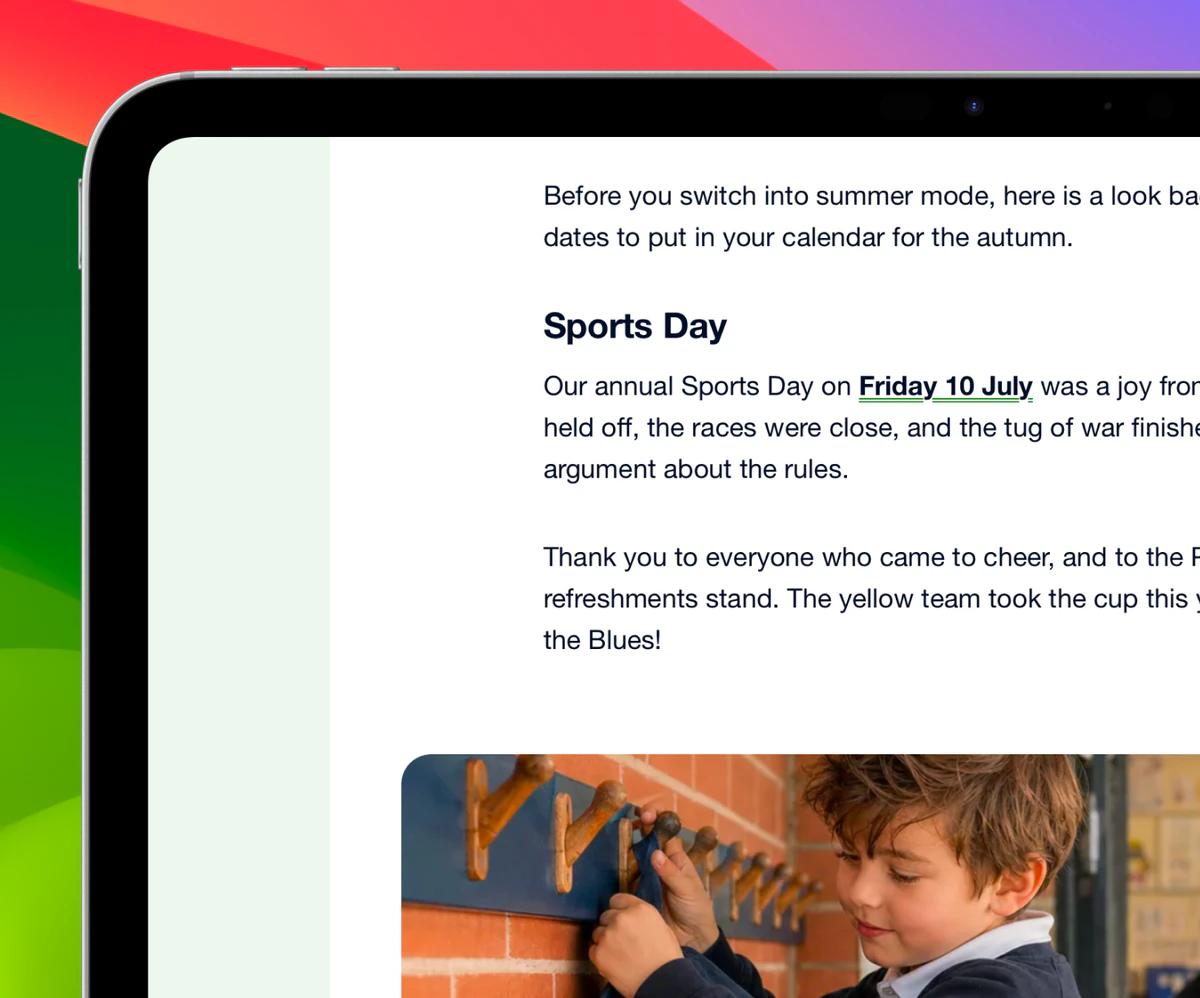
Designed for phones, tablets and laptops. Photos and media run the full width of the page and type is clear and readable.
Always Up to Date
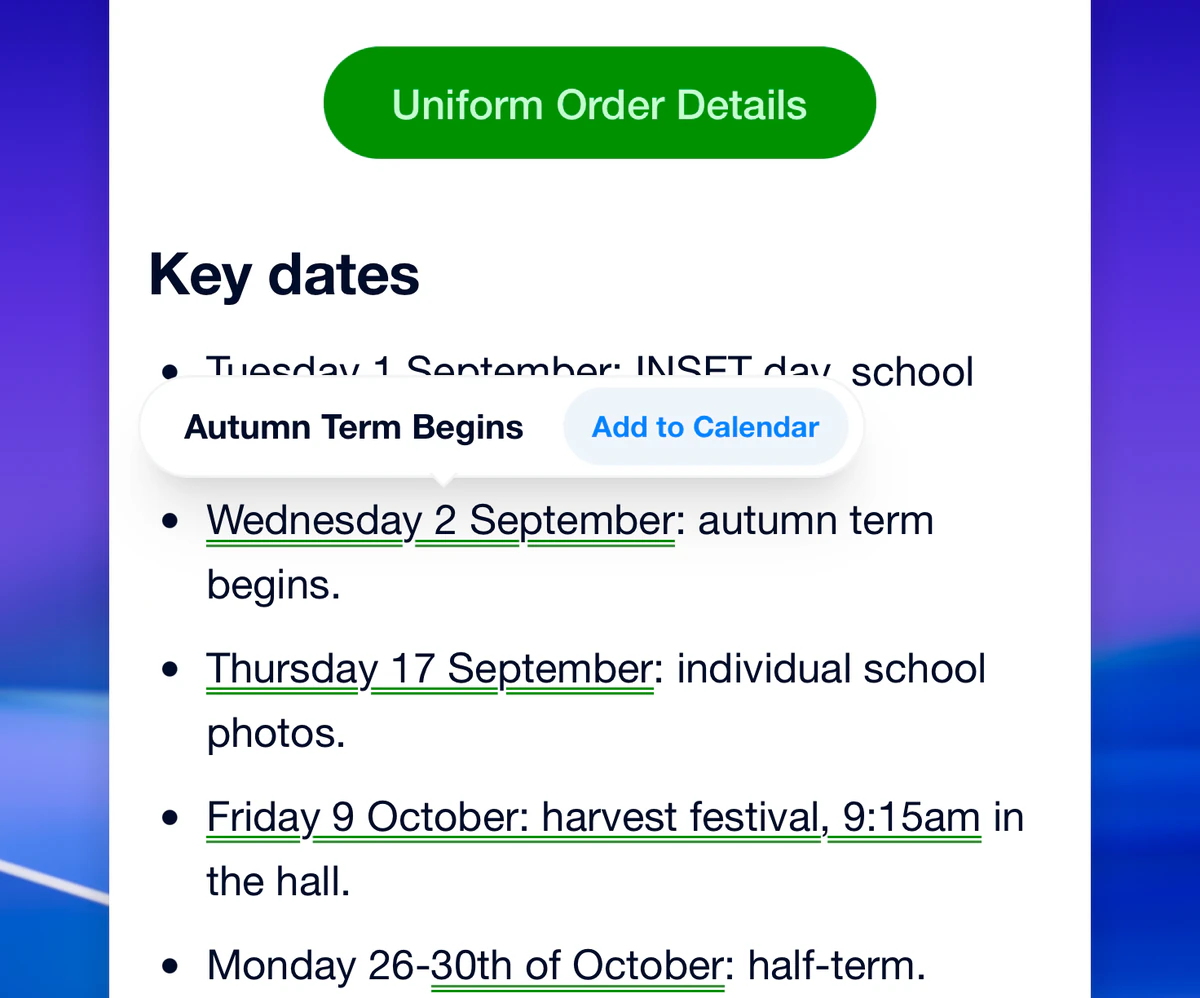
One tap puts a date in a parent’s calendar, or they can subscribe to the whole school year at once. When a time or a place changes, their calendar changes with it.
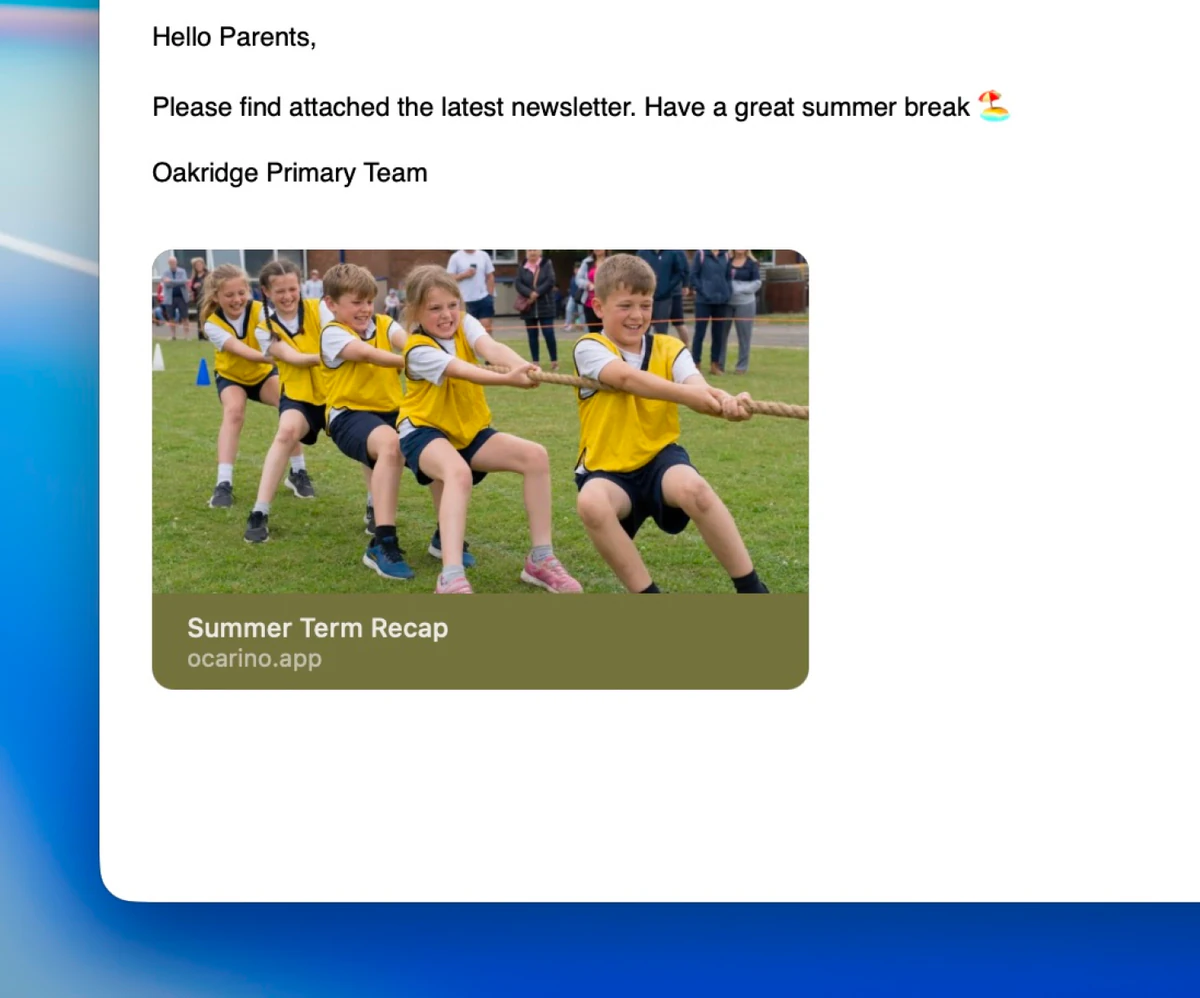
Simple Sharing
The newsletter arrives the way it always has, in whatever the school already uses to reach parents. Families who want one can also get a notification the moment a new issue is published.
More for schools
Start From Word. Importing a Word doc brings your content straight in, photos and all, and ready to edit. No retyping.
Safe Editing. Published issues can be edited without families seeing the work in progress. Publish again to make the changes public and update calendars, or revert to what you had.
The School Brand. Your school’s logo and colour carry through the newsletter content, shared previews and the home screen icon, keeping everything distinctly yours.
…and for parents
Private by Default. No app to download, no account to create, no tracking and no ads.
Accessibility. Controls are labelled for screen readers and reachable from the keyboard. Anyone who prefers reduced motion gets the same content without animation.
More Than Text. Full-width photos, galleries that swipe, and videos that play in the page. No pinching and zooming into attachments.